Skip to content
  • Research
  • Competitive Analysis
  • User Flows
  • Wireframes
  • Hi-Fi Prototype
  • Design System

A website builder with a CMS built in

A website builder with an embedded content management system, so in-house developers and designers can build and manage client websites without writing CSS.

Role
UI/UX Engineer
Team
2 software engineers, 1 software architect
Duration
8 months
Platform
Web
Users
In-house developers or designers

TL;DR

Problem
Version 1 was built fast with no prior research, so any slightly complex task meant writing CSS.
Solution
Version 2: a redesigned website builder with an embedded content management system.
Outcome
Improved efficiency for in-house developers and designers, and for clients.
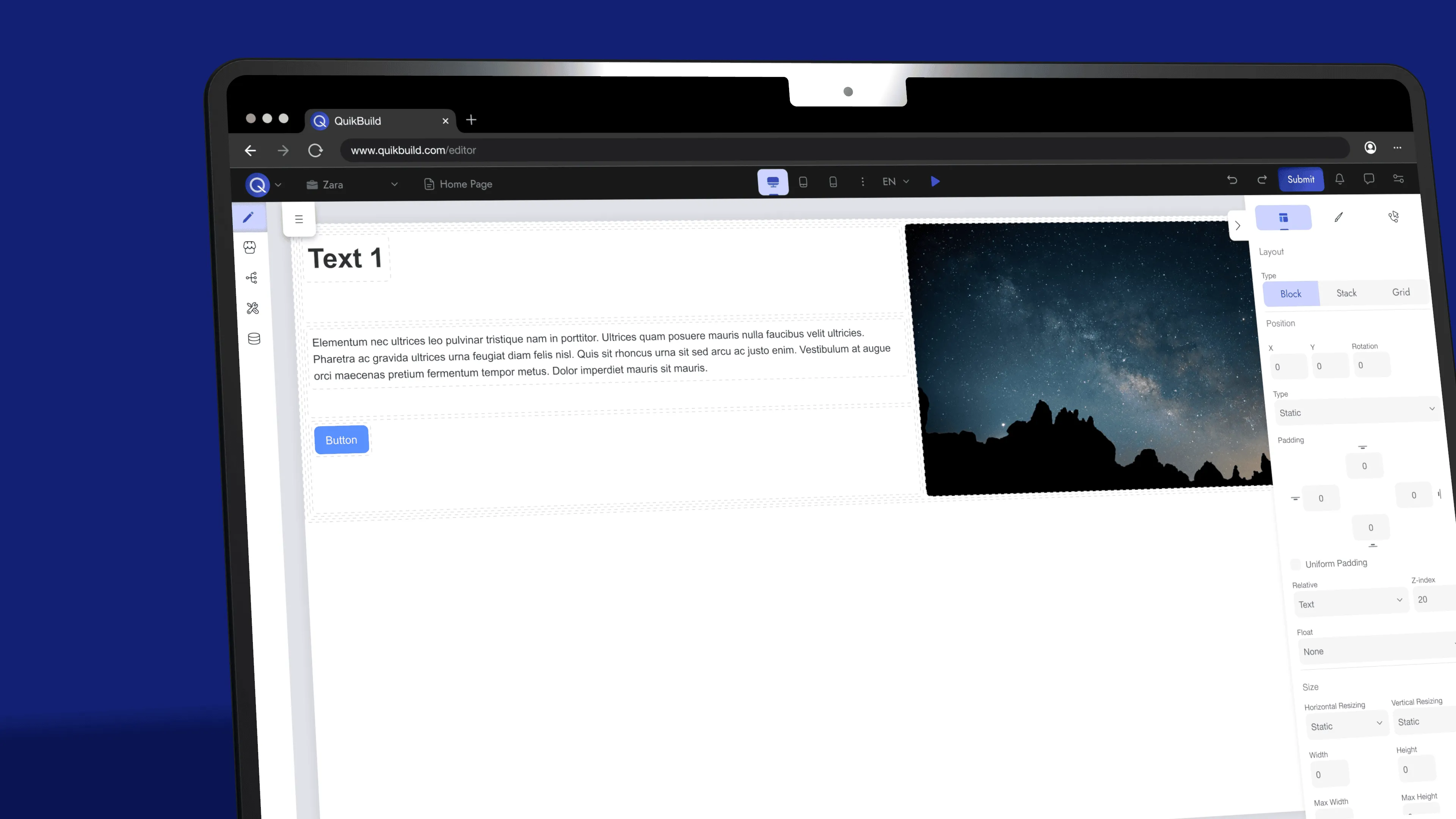
Close-up of a laptop showing the website builder editor: a page with a Text 1 heading, body text, a button and a night-sky image, beside the Layout properties panel.

Research findings

Problems with version 1

No structure or flow for the user.

Users found it difficult to use due to a lack of proper structure and flow, with no guidance on what to do. They were left to figure things out blindly.

Catered to those with technical knowledge.

For any slightly complex task, users must write CSS. This forces those without coding knowledge to figure out how to write CSS on their own.

No branding & aesthetic appeal.

The inconsistent visual identity makes the interface look unprofessional and generic, diminishing user engagement and perceived value.
Three design decisions

What to build on

Start from a competitive audit, not from version 1

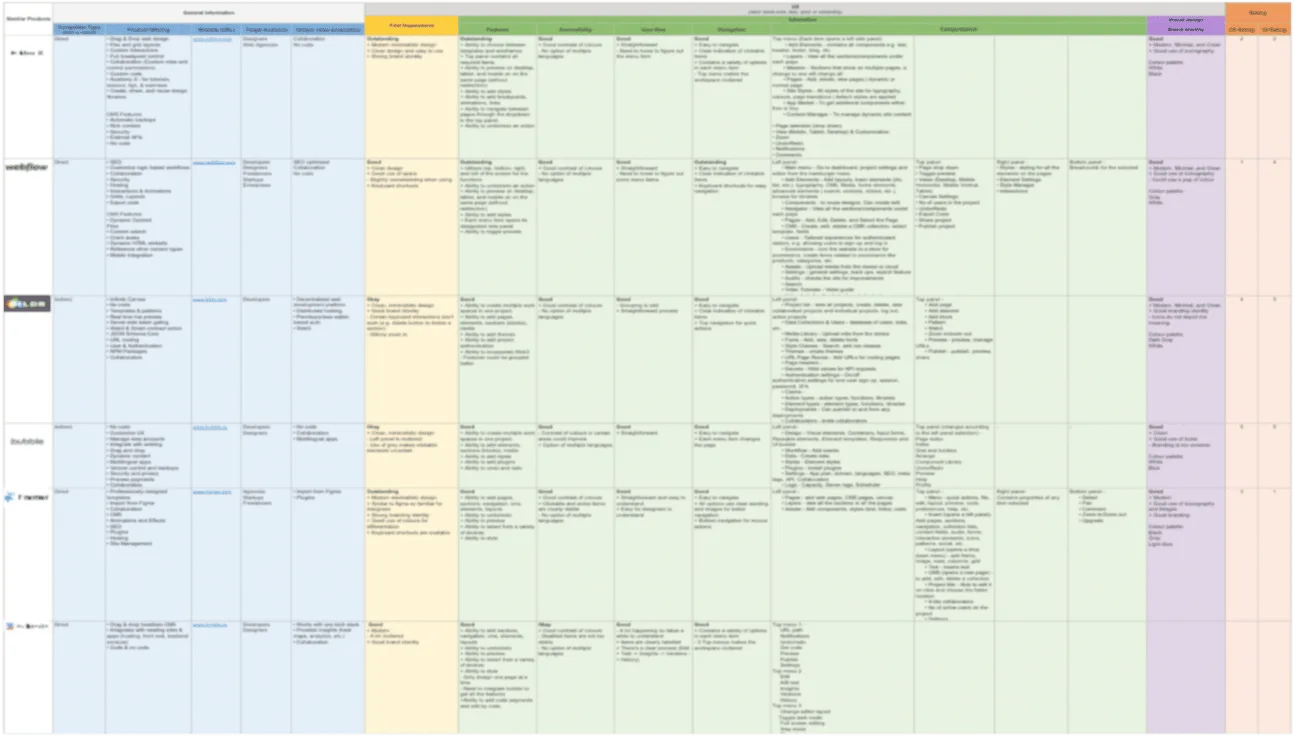
To tackle the limitations found in research, we conducted a competitive audit before designing. Version 1 had been built with no research, so the audit gave the team a shared reference for what good looks like.

competitive audit

Where content lives

A regular column grid for the CMS, with status shown by icon and text

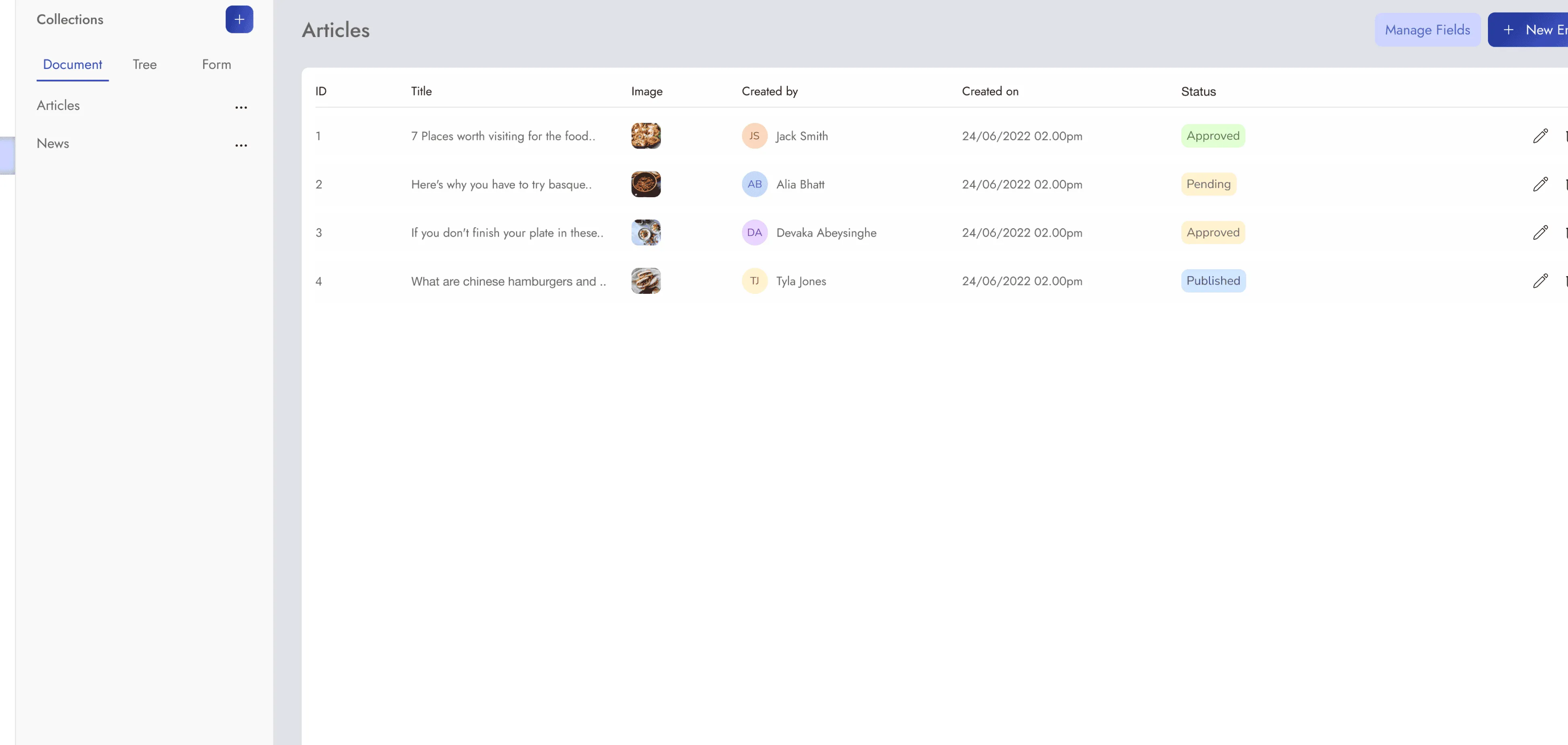
The editor is a dense workspace, but the CMS is lists and forms, which read best in regular columns. Entries move from Pending to Approved to Published, and each status badge carries an icon and text as well as colour.

CMS Articles list with Document, Tree and Form views. A table of four articles shows ID, title, image, author, creation date and a status badge: Approved, Pending, Approved and Published.

How it looks

A branded component system with every interaction state

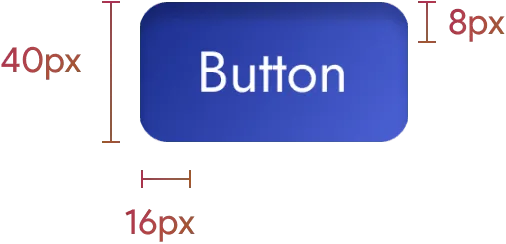
Version 1's inconsistent visual identity looked unprofessional and generic. I built a style guide and design system, starting with primary, secondary and tertiary buttons, each shown in enabled, hovered, focused, pressed and disabled states.

Button specimens

Button

Primary

Primary button in enabled, hovered, focused, pressed and disabled states

Secondary

Secondary button in enabled, hovered, focused, pressed and disabled states

Tertiary

Tertiary button in enabled, hovered, focused, pressed and disabled states

Takeaways and future recommendations

Takeaways

Scope

It is important to define a project scope in the beginning in order to save time.

Feedback

Incorporating user feedback early on in the project will benefit.

Process

Following the Agile methodology helped in handling the evolving requirements.

Future recommendations

Continuous User Feedback

Establish regular user feedback loops to inform design decisions and identify issues early in the development process.

User Testing

Incorporate end user testing to the prototypes in order to identify pain points the user might experience before going into development.

More Case Studies

Let’s connect

Have a project in mind? Let’s create something amazing together.

I’m always excited to discuss new opportunities and ideas. Drop me a line, and let’s start a conversation about your next project.

abeysekera.shyami@gmail.com